
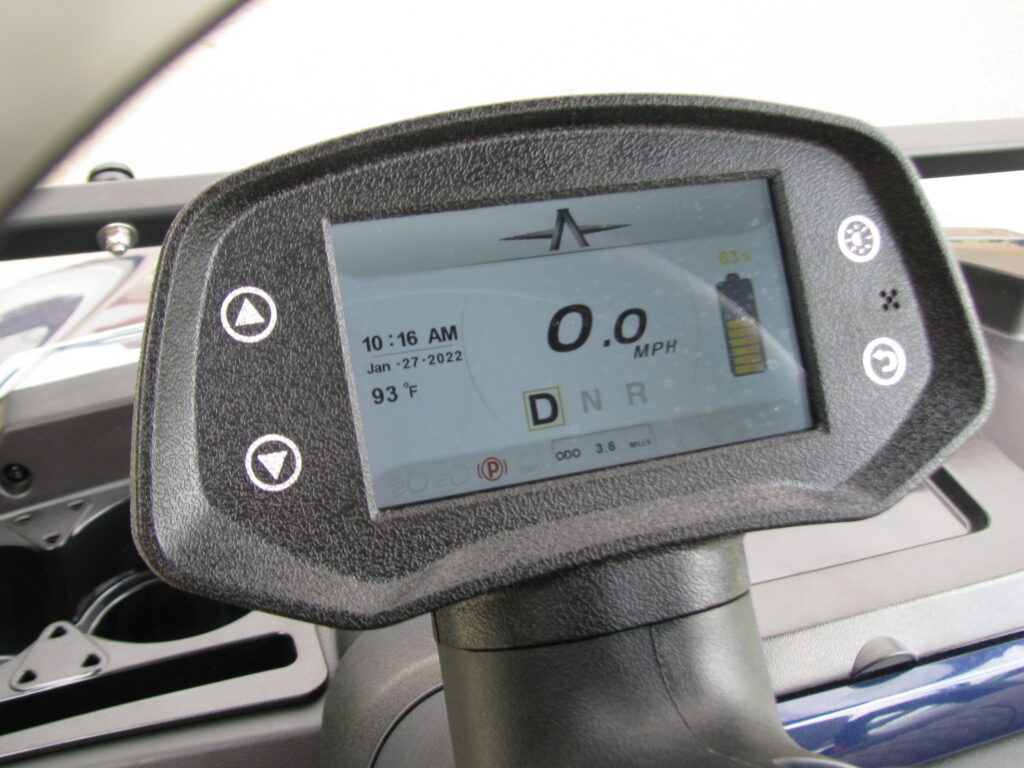
You turn the key, the lights come on, and the battery indicator seems normal. But when you press the accelerator, your golf cart goes nowhere.
The confusing part? A golf cart can have working lights or dashboard accessories without having enough usable power or the correct signals to drive its motor. On some models, those systems operate through different circuits.
Before assuming you need an expensive motor or controller replacement, here are seven possible causes and what to check first.
#1 The Cart Is in Neutral, Tow Mode, or Charging Lockout
Start with the simplest possibility: the cart may not be set up to drive.
Depending on the make and model, check that:
- The key or power switch is in the correct operating position.
- The forward/reverse selector is fully in Forward or Reverse, not Neutral.
- The charging cable is completely disconnected from the cart.
- A Tow/Run or Run/Storage switch, if equipped, is set for normal operation.
- The parking brake has been released according to the owner’s manual.
Many electric golf carts have a charging interlock that prevents driving while the charger is connected. Other carts use a Tow/Run switch that disables normal operation when set to Tow.
Never bypass a charging interlock or safety switch. If the correct settings don’t restore operation, continue with the next checks.
#2 Weak Batteries or a Battery Protection Shutdown
Working headlights do not prove that an electric golf cart’s battery pack can power the drive motor.
Lights and accessories often require far less energy than accelerating the cart, so they may still function when the traction battery system cannot supply the power needed to move.
Possible battery-related causes include:
- A deeply discharged battery pack
- One weak or failing battery in a multi-battery pack
- Batteries that no longer hold a charge
- A charger that did not complete its charging cycle
- A lithium battery management system (BMS) limiting or shutting off output to protect the pack
Check the battery charge indicator and any charging or fault messages, but remember that a dashboard reading alone cannot confirm battery health. A technician may need to test the pack under load.
Read our Golf Cart Battery Maintenance Guide for additional maintenance tips.
#3 Loose Battery Cables, Corrosion, or an Electrical Connection Problem
Sometimes the batteries are healthy, but their power cannot reach the drive system properly.
Vibration and moisture can cause battery terminals and electrical connections to loosen, corrode, or deteriorate.
Potential warning signs include:
- White, blue, or green corrosion near terminals
- Frayed or cracked cable insulation
- Discolored or melted connectors
- Intermittent power before the cart stopped
- A burning smell or unusually hot electrical components
A blown fuse or damaged connection in a control circuit can also prevent the cart from driving, depending on its design.
With the cart powered off, you can look for obvious visible damage without touching terminals or removing electrical covers. Do not tighten high-current connections, probe live circuits, or bypass fuses unless you have the training and equipment required.
Golf cart battery systems can deliver dangerous current, so leave electrical testing to trained technicians.
#4 A Faulty Solenoid or Contactor
On many electric carts, a solenoid or contactor is an electrically controlled switch that connects power to the drive system.
If the component fails, or if there is a problem in the circuit controlling it, the cart may still power its accessories without moving.
Possible symptoms include:
- A click when the accelerator is pressed, but no movement
- No expected click when attempting to drive
- Intermittent starting or driving
- A cart that stopped moving unexpectedly
However, a clicking sound does not automatically mean the solenoid is bad. It may be operating correctly while another component prevents the motor from receiving usable power.
Likewise, no click could point to a pedal switch, wiring, battery, or controller issue instead.
Before replacing parts, see our guide on how to tell if a golf cart solenoid is bad.
#5 An Accelerator Pedal, Direction Selector, or Safety Switch Problem
The accelerator pedal is more than a mechanical lever on many modern electric carts. Sensors and switches communicate what you want the cart to do.
If a pedal-position sensor, pedal switch, key switch, or forward/reverse input is faulty, the controller may not receive a valid command to move.
Some carts also have safety logic that prevents unintended acceleration. For example, certain E-Z-GO models use a high-pedal-disable feature that can prevent movement if the accelerator was pressed while the cart was being switched on.
Symptoms include inconsistent pedal response or a cart that drives in only one direction.
Consult your model’s owner’s manual for any normal reset procedure. Do not defeat safety switches to make the cart drive.
#6 Controller, Motor, or Speed-Feedback Issues
The motor controller manages how power reaches an electric golf cart’s drive motor. Depending on the system, it also processes information from the accelerator, direction controls, and motor sensors.
If a controller detects an electrical fault or receives an invalid signal, the cart may refuse to move or enter a restricted operating mode.
Potential causes include:
- Controller or associated wiring problems
- Faulty motor-speed or position feedback on equipped models
- Motor electrical faults
- A communication problem between electronic components
- A protective shutdown triggered by another issue
But controller problems can look similar to weak batteries or poor connections. Don’t replace an expensive controller based only on the fact that the cart won’t move. Testing the battery supply, inputs, and related circuits first can help prevent unnecessary repairs.
#7 A Parking Brake or Mechanical Drivetrain Problem
Not every golf cart that refuses to move has an electrical failure.
A parking brake that has not released, a seized brake component, or a drivetrain problem can also keep a cart from moving properly.
Some models, including certain E-Z-GO RXV carts, use an automatic motor-mounted parking brake. If the required release conditions are not met, the vehicle may remain stationary.
Other possibilities include binding brakes or axle and differential damage.
Clues can include grinding noises, a dragging sensation before the failure, or a cart that seems to try to move but cannot.
Do not force the cart to roll or attempt to bypass an automatic brake. Releasing the brake incorrectly could let the vehicle roll unexpectedly, especially on an incline. Follow the manufacturer’s recovery instructions or arrange professional assistance.
Why Does My Golf Cart Click but Not Move?
A clicking sound is a useful clue, but it is not a complete diagnosis.
On some electric carts, a click may be the solenoid or contactor engaging. If the cart still doesn’t move, the problem might involve weak battery power, poor electrical connections, a failed contactor, a controller fault, or the motor circuit.
Tell your technician whether you hear one click, repeated clicking, or no click at all. Avoid repeatedly pressing the accelerator.
What If a Gas Golf Cart Has Power but Won’t Move?
Gas golf carts have different systems, so the troubleshooting approach changes.
If the lights work but the engine does not start, possible causes include the starting battery, starter-generator or starting circuit, solenoid, ignition-related components, or a safety switch.
If the engine runs but the cart doesn’t move, the technician may instead inspect the drive belt, clutches, forward/reverse mechanism, brakes, and transaxle or other drivetrain components.
Tell your technician whether the engine starts.
What Should You Check Before Calling for Golf Cart Repair?
Park safely on level ground, secure the cart against rolling, and turn it off.
Then work through a few owner-level checks:
- Confirm the controls. Verify the key position, drive direction, parking brake, and Tow/Run setting if your model has one.
- Unplug the charger. Make sure the charging connector is fully removed and stored safely.
- Check the charge display. Look for low-charge warnings, fault codes, or unusual messages.
- Inspect visually. Without handling electrical connections, look for damaged cables, corrosion, leaks, or signs of overheating.
- Recall what happened. Did the failure occur suddenly, after charging, after storage, or after the cart began jerking or losing range?
If these checks don’t identify the issue, arrange an inspection. Never jump-start a golf cart pack with a car battery or bypass protective devices.
When Should You Have a Golf Cart That Won’t Move Serviced?
If basic checks don’t help, professional diagnosis can prevent unnecessary parts replacement.
Service is especially important if you notice burnt wiring, heat, leaking batteries, repeated electrical faults, unusual noises, or brake problems.
J’s Golf Carts offers golf cart service and repair for customers who need inspections, electrical troubleshooting, battery-related service, and other repairs.
And if your cart cannot be driven to the shop, J’s also offers golf cart pickup and delivery for an additional fee, subject to availability and service area.
Final Thoughts: Don’t Assume Your Golf Cart Needs a New Motor
When your golf cart has power but won’t move, the cause might be something as simple as a switch setting. In other cases, the problem could involve a weak battery pack, faulty connection, solenoid, controller, or brake problem.
Identify what is working and when the failure occurs before replacing parts.
At J’s Golf Carts, our team helps owners in Holly Springs, Fuquay-Varina, Raleigh, Cary, Apex, and surrounding North Carolina communities keep their carts operating reliably.
Whether your golf cart needs a battery inspection, electrical diagnosis, replacement parts, or professional repairs, we’re here to help you get back on the move.